fixing hdr on a €1,500 oled
a ~1000-nit oled that reports itself as a 400-nit panel. the samsung odyssey oled g9 (g93sc) tells windows and games its hdr peak is 400 nits — a figure a basic ips monitor already hits — so hdr looks dim and flat. a 21-byte firmware patch corrects the metadata so games use the real brightness.
- tech
- rust · python · edid · novatek-nt68550
- tags
- links
- samsung product page · samsung firmware 1011.0
no warranty, no liability. this is modified samsung firmware. flashing it voids your warranty and can brick the monitor. everything below documents what i did to my own monitor — it’s not a recommendation. you flash it at your own risk.
what’s wrong
the g93sc — a €1,500 samsung odyssey oled g9 — is a ~1000-nit panel. but every hdr mode in firmware 1011.0 reports its peak as 400 nits (the “true black 400” default). a cheap ips monitor already does 400, so to windows and games this flagship isn’t really an hdr display.
the osd peak-brightness setting moves the panel’s internal target between 400, 500 and 1000 — but the number it reports (in the edid) never leaves 400. windows and games cap their tone mapping there, so highlights the panel could push to 1000 get squashed. hdr looks dim and washed out on a screen that measures ~1000 in windows’ own calibration app.
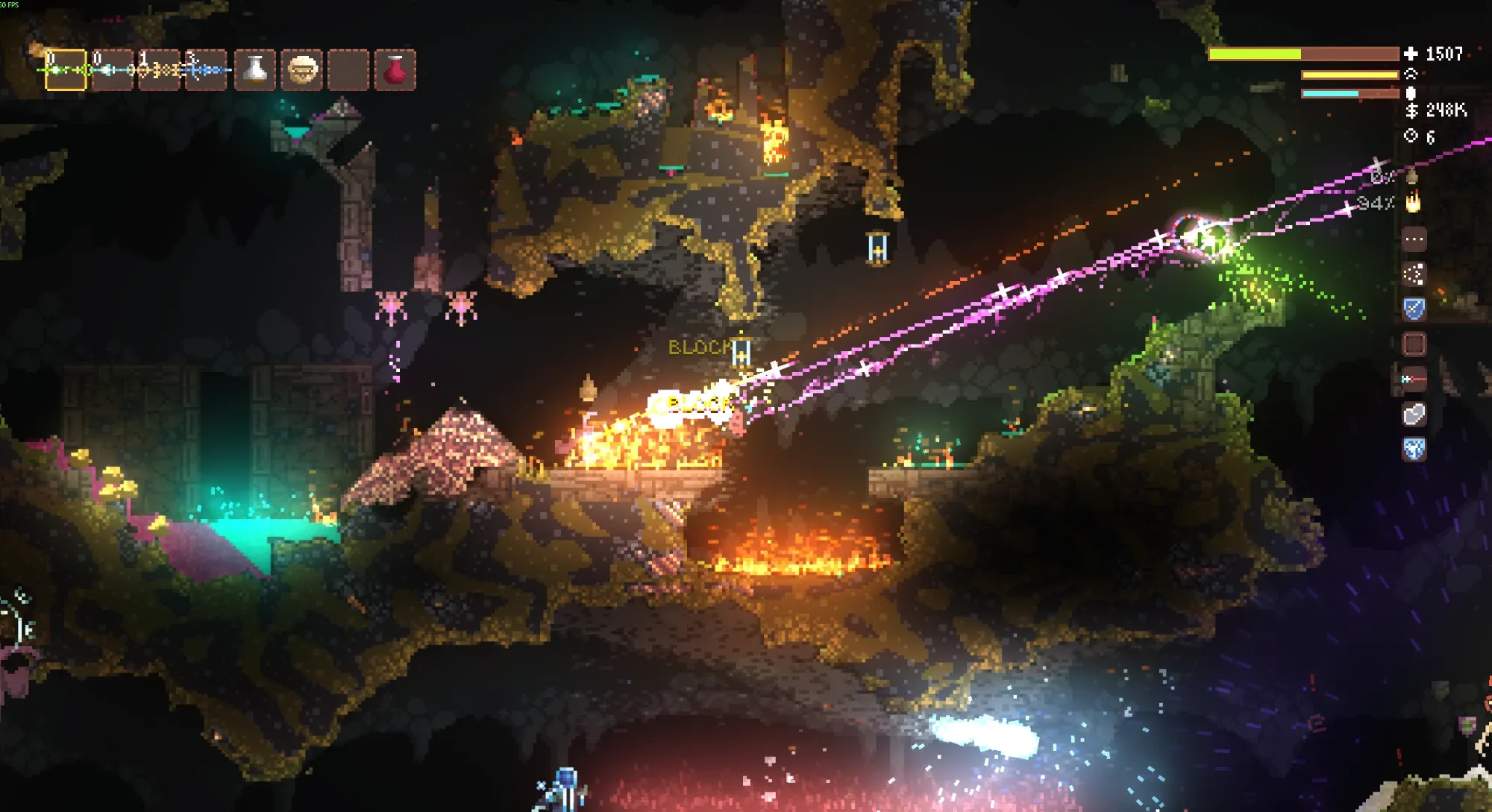
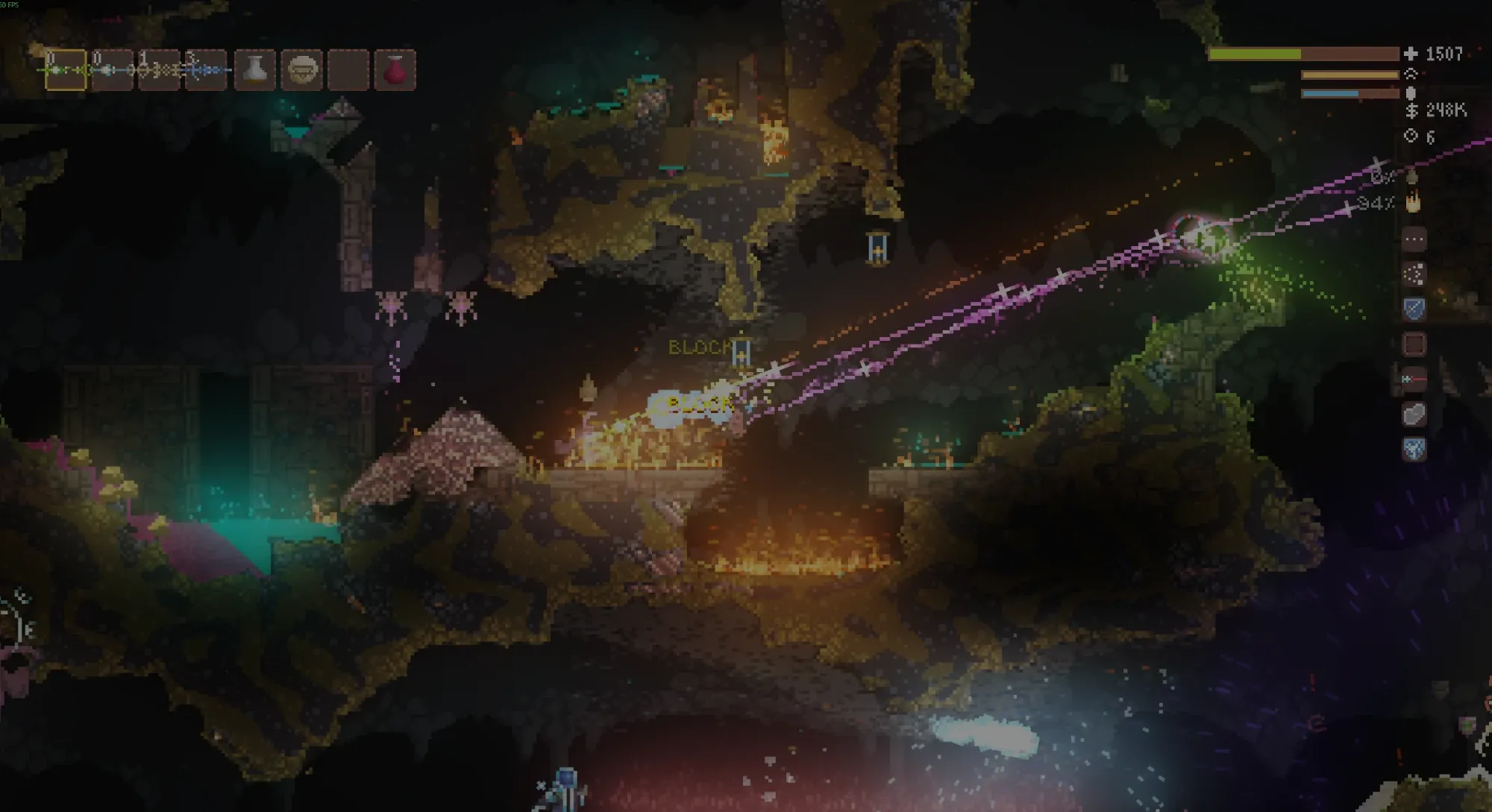
drag the handle — the firmware’s 400-nit metadata on the left, the patched ~1000-nit peak on the right (shown in sdr, so it only hints at the real difference).
there’s a second offender in the same data: an hdr10+ block in every hdr edid declares the 400 tier again. games with hdr10+ support (cod:mw4’s “on (hdr10+)”) read it directly and tone-map for 400 no matter what.
why a windows override isn’t enough
the usual fix is a windows edid override (registry, or a tool like cru). on an rtx 4090 over hdmi 2.1 with dsc it does nothing: windows accepts it — the renamed monitor even shows in settings — but the nvidia driver keeps its own copy, the old name, and keeps reporting 400 to directx. the fix has to come from the monitor itself.
the patch
21 bytes, all inside the 7 hdr edids. nothing executable is touched.
- peak brightness: the hdr metadata’s “desired max luminance” goes from code 96 to 138 — 400 → ~994 cd/m². full-frame stays at 248.
- hdr10+ block: its vendor id
90-84-8bbecomes91-84-8b, so drivers and games no longer recognise the block and fall back to the corrected metadata. the trade-off: no more hdr10+ gaming. - checksums: each edited block’s checksum is recomputed, so the image’s 16-bit sum
still comes out to
0xC10A— the value in the file name and the firmware’s own integrity record.
from its strings, the updater loads the whole image, checksums it before programming, and writes to one of two flash banks. i found no signature check — but the boot/update code isn’t fully decoded, so treat that as likely, not proven.
flashing
-
only for the g93sc with firmware file
M-C9349GGAA. get the official 1011.0 from samsung too — it’s your way back. -
build the patched image from the official file with the patcher (checks sha-256 in and out, refuses anything else):
python3 g93sc-hdr-patch.py "M-C9349GGAA-1011.0[C10A].img" -
fat32 usb stick, the file alone in the root, named exactly
M-C9349GGAA-0000.0[C10A].img. the0000.0skips the updater’s version check, so it installs even if you’re already on 1011.0. -
osd → support → software update. stable power, don’t touch anything until it’s done. if the monitor doesn’t find the file, try another stick first.
after flashing
- pull the monitor’s power once, then reboot the pc.
- osd → picture: hdr tone mapping static, and peak brightness to taste. i run medium — on high the panel’s brightness limiter clamps down hard on large bright areas (desktop, documents, big skies), which looks off. it’s preference, and the setting can reset itself when switching sdr↔hdr, so recheck it.
- delete any windows hdr calibration profile. with the osd brightness set and the firmware reporting the real peak, there’s nothing left to calibrate.
- native hdr games (cod:mw4 and friends): use the game’s own hdr calibration, peak around 1000. cod:mw4 now offers plain hdr plus its calibration screen instead of “on (hdr10+)”.
- sdr games: use nvidia’s rtx hdr rather than windows auto hdr — peak ~1000, contrast +25, middle grey ~44, in the nvidia overlay (alt+f3). directx and vulkan only.
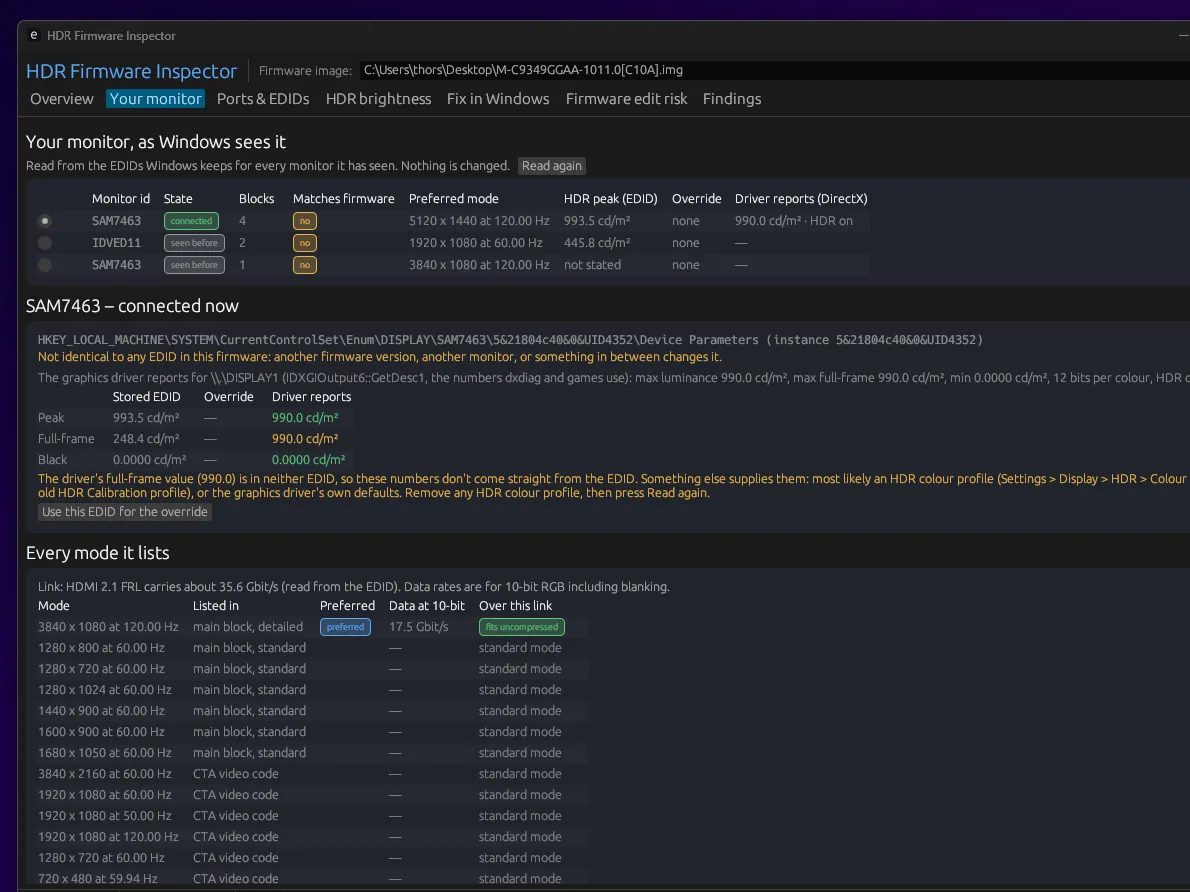
after the patch — directx now reports ~990.
going back
rename the official 1011.0 file to M-C9349GGAA-0000.0[xxxx].img, keeping its own
four-character tag in the brackets, and flash it the same way.
download: patcher (python 3, no dependencies) — it rebuilds the patched image from samsung’s official 1011.0 file.
sha-256 stock 1011.0: de1e93809ec4d06ca9920d3b17daba52f520532bb7d2e19d3bbffce76f70ba8c
sha-256 patched: 7010cd670045c344a17b4d01d51a8ebaf57e171fa77f3d518b7b6ed2c7a4dee1